File list
Jump to navigation
Jump to search
This special page shows all uploaded files.


| Date | Name | Thumbnail | Size | User | Description | Versions |
|---|---|---|---|---|---|---|
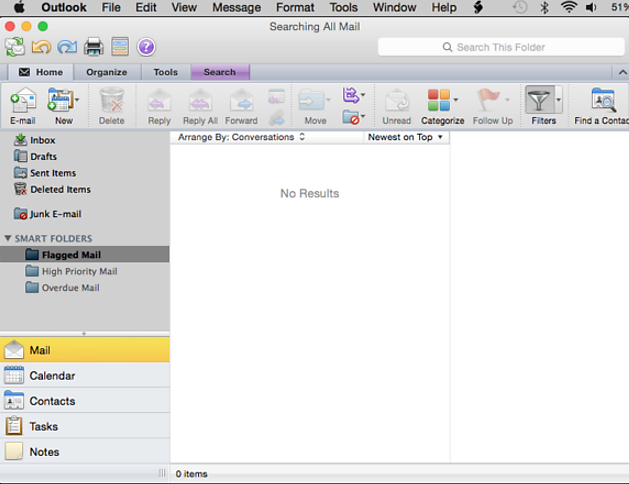
| 12:11, 10 July 2015 | Step1.png (file) |  |
74 KB | Richey (talk | contribs) | 1 | |
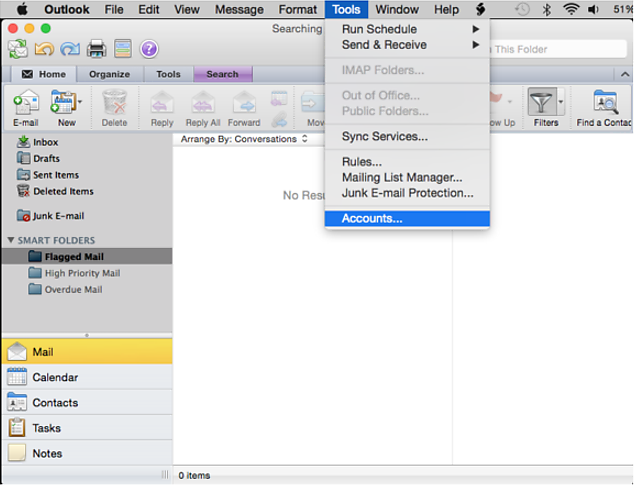
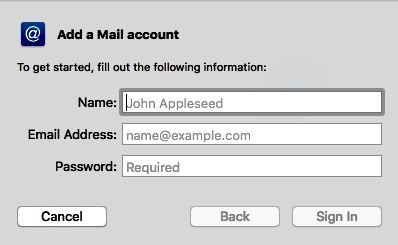
| 12:19, 10 July 2015 | MacExchangeStep3.png (file) |  |
65 KB | Richey (talk | contribs) | 1 | |
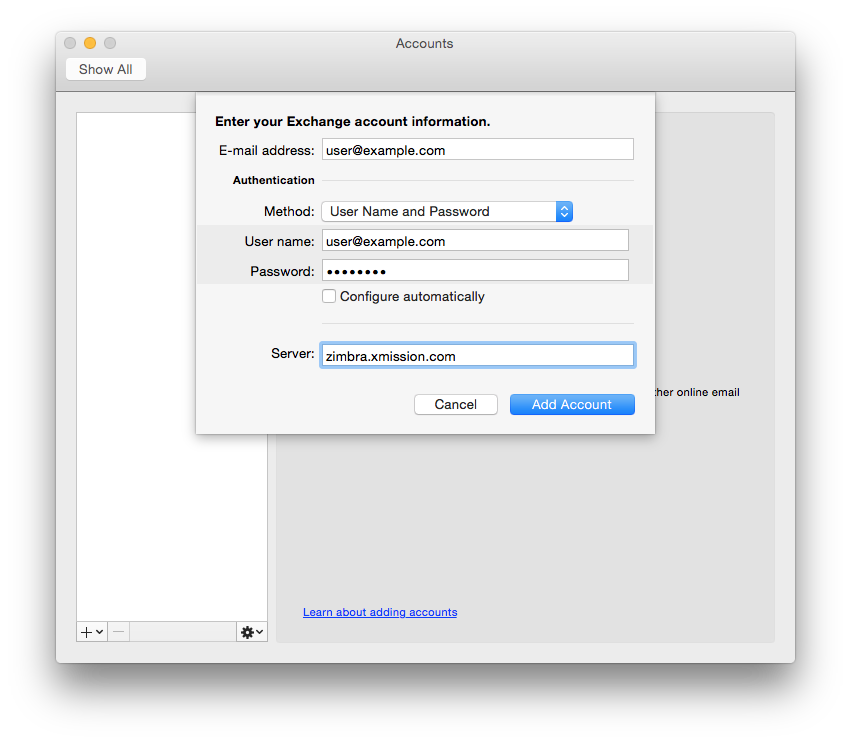
| 12:30, 10 July 2015 | MacExchangeStep1.png (file) |  |
101 KB | Richey (talk | contribs) | 2 | |
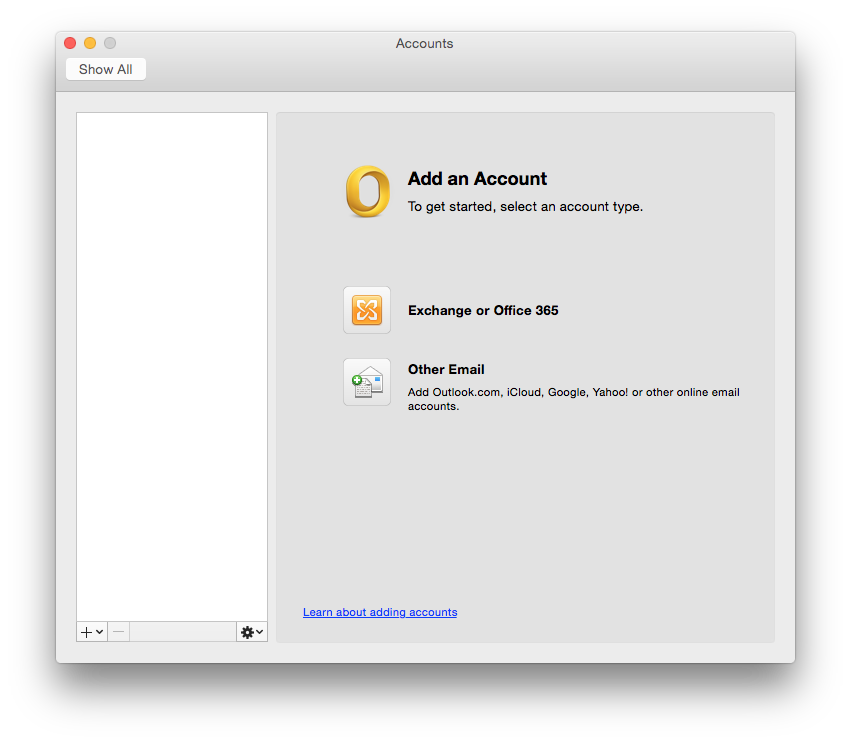
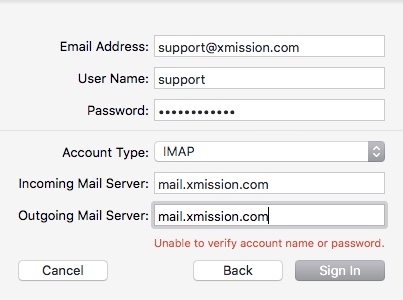
| 12:30, 10 July 2015 | MacExchangeStep2.png (file) |  |
120 KB | Richey (talk | contribs) | 3 | |
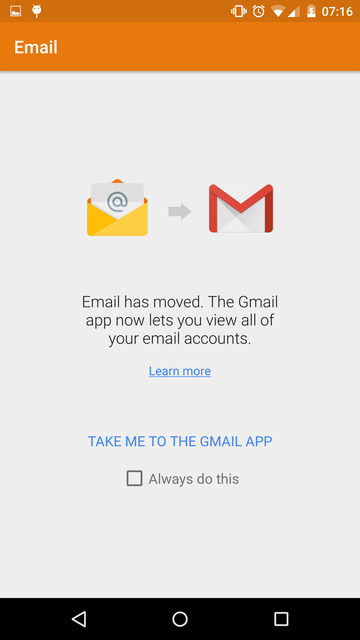
| 13:43, 26 August 2015 | Android-email-to-gmail.png (file) |  |
32 KB | Atoponce (talk | contribs) | Android 5.1 screenshot showing migration from Email to Gmail. | 1 |
| 13:44, 26 August 2015 | Android-webmail-0.png (file) |  |
19 KB | Atoponce (talk | contribs) | Android 5.1 screenshot showing early setup of webmail with the Gmail app. | 1 |
| 13:44, 26 August 2015 | Android-webmail-1.png (file) |  |
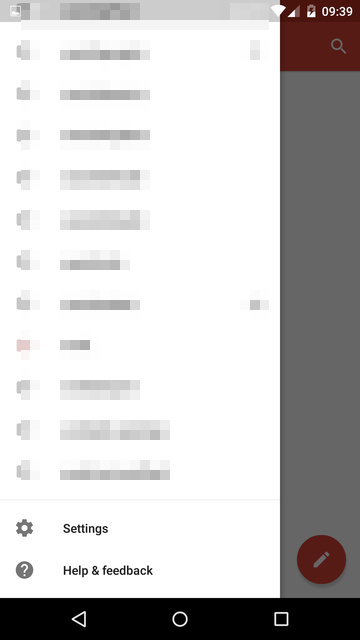
16 KB | Atoponce (talk | contribs) | Android 5.1 screenshot showing how to access the settings of the Gmail app. | 1 |
| 13:45, 26 August 2015 | Android-webmail-2.png (file) |  |
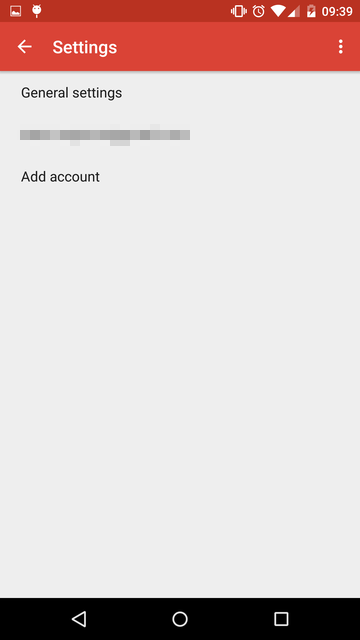
14 KB | Atoponce (talk | contribs) | Android 5.1 screenshot showing how to add a new account in the Gmail app. | 1 |
| 13:45, 26 August 2015 | Android-webmail-3.png (file) |  |
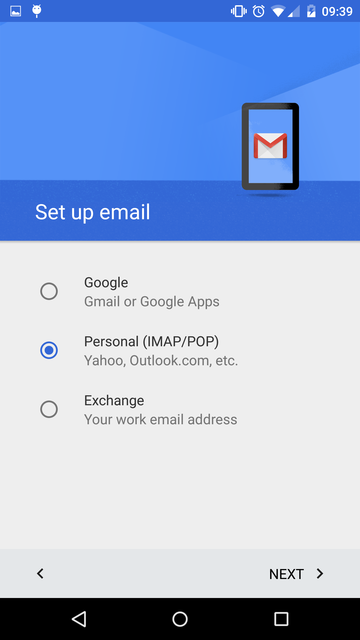
48 KB | Atoponce (talk | contribs) | Android 5.1 screenshot showing how to enable IMAP for webmail retrieval in the Gmail app. | 1 |
| 13:46, 26 August 2015 | Android-webmail-4.png (file) |  |
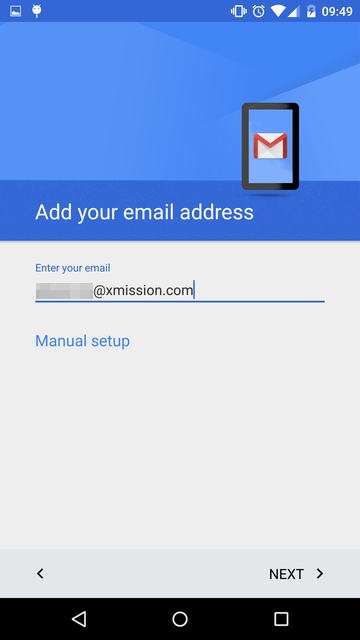
42 KB | Atoponce (talk | contribs) | Android 5.1 screenshot showing how to add an XMission address in the Gmail app. | 1 |
| 13:47, 26 August 2015 | Android-webmail-5.png (file) |  |
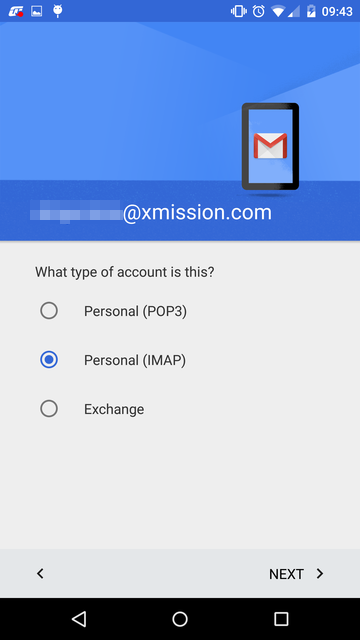
46 KB | Atoponce (talk | contribs) | Android 5.1 screenshot showing how to enable IMAP for webmail retrieval in the Gmail app. | 1 |
| 13:48, 26 August 2015 | Android-webmail-6.png (file) |  |
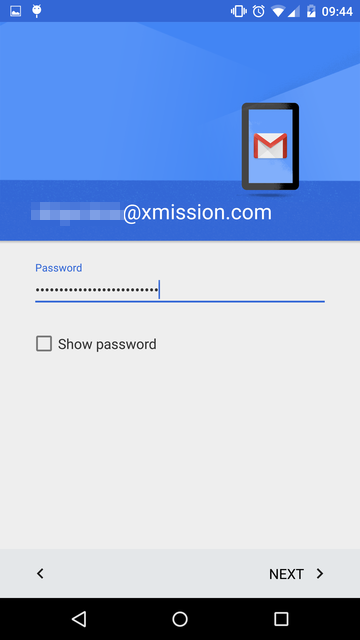
38 KB | Atoponce (talk | contribs) | Android 5.1 screenshot showing how to enter your XMission account password in the Gmail app. | 1 |
| 13:49, 26 August 2015 | Android-webmail-7.png (file) |  |
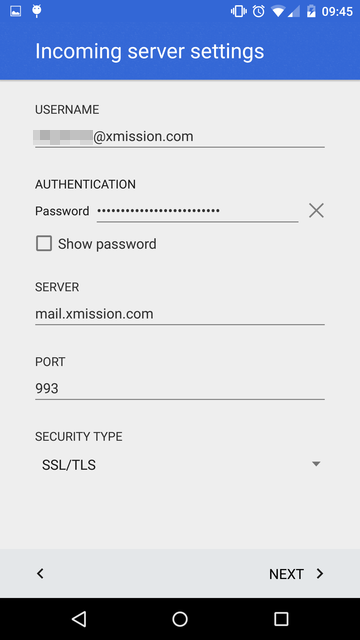
38 KB | Atoponce (talk | contribs) | Android 5.1 screenshot showing how to configure XMission webmail IMAP in the Gmail app. | 1 |
| 13:49, 26 August 2015 | Android-webmail-8.png (file) |  |
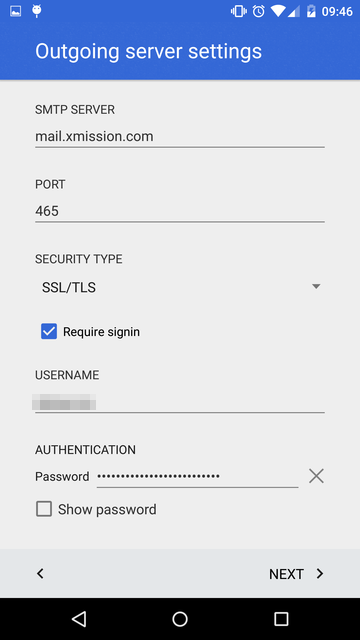
39 KB | Atoponce (talk | contribs) | Android 5.1 screenshot showing how to configure XMission webmail SMTP in the Gmail app. | 1 |
| 13:50, 26 August 2015 | Android-webmail-9.png (file) |  |
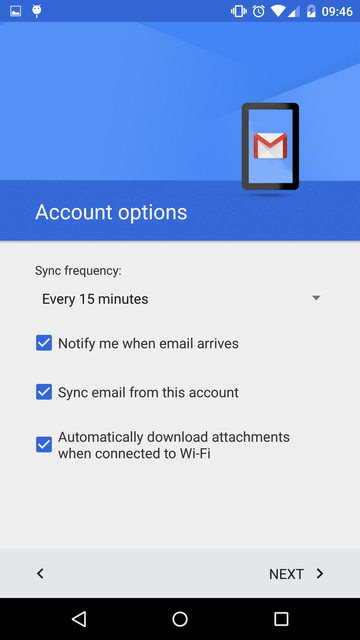
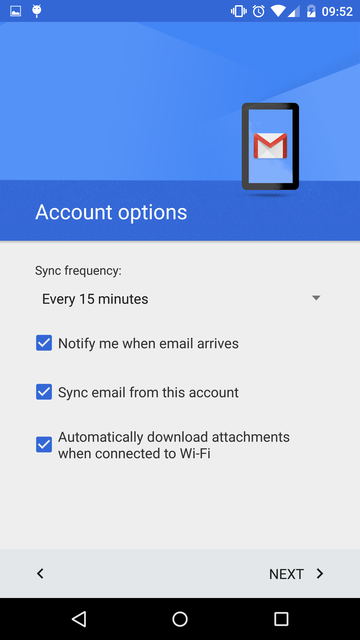
53 KB | Atoponce (talk | contribs) | Android 5.1 screenshot showing how to sync and notifications in the Gmail app. | 1 |
| 13:51, 26 August 2015 | Android-webmail-10.png (file) |  |
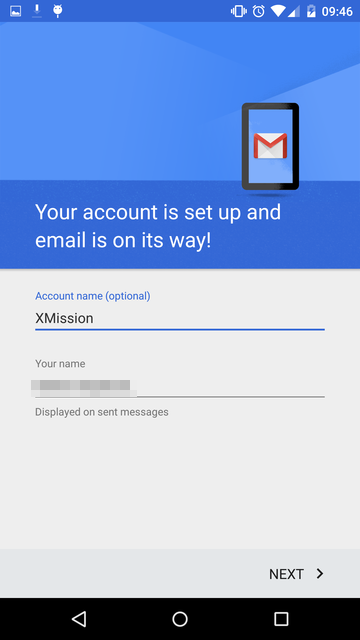
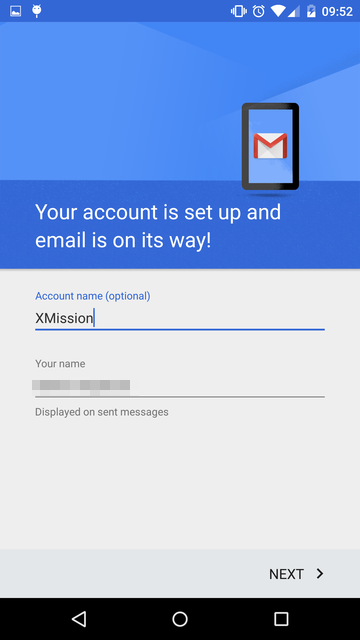
49 KB | Atoponce (talk | contribs) | Android 5.1 screenshot showing how to give the new account a meaningful name in the Gmail app. | 1 |
| 13:52, 26 August 2015 | Android-webmail-11.png (file) |  |
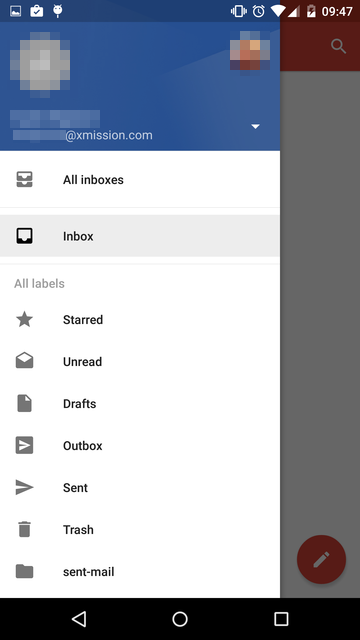
38 KB | Atoponce (talk | contribs) | Android 5.1 screenshot showing a fully completed XMission webmail account in the Gmail app. | 1 |
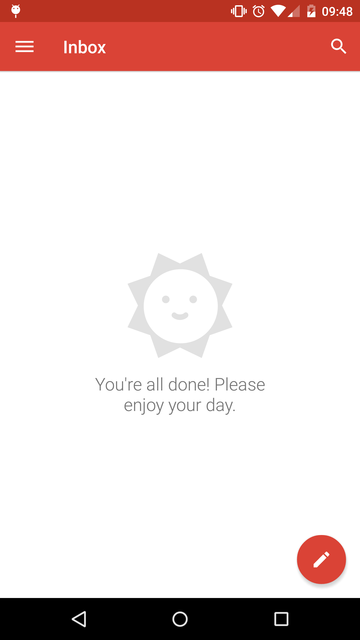
| 14:02, 26 August 2015 | Android-zimbra-0.png (file) |  |
19 KB | Atoponce (talk | contribs) | Android 5.1 screenshot showing early setup of Zimbra with the Gmail app. | 1 |
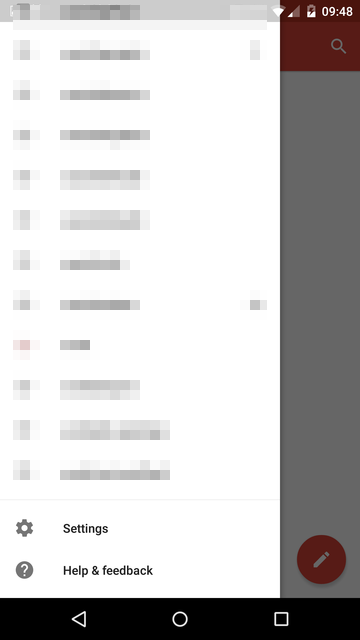
| 14:02, 26 August 2015 | Android-zimbra-1.png (file) |  |
15 KB | Atoponce (talk | contribs) | Android 5.1 screenshot showing how to access the settings of the Gmail app. | 1 |
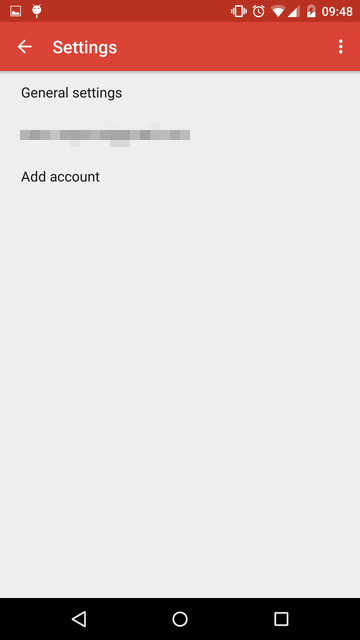
| 14:02, 26 August 2015 | Android-zimbra-2.png (file) |  |
14 KB | Atoponce (talk | contribs) | Android 5.1 screenshot showing how to add a new account in the Gmail app. | 1 |
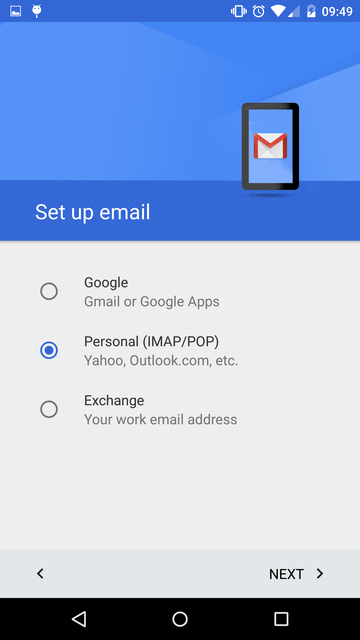
| 14:03, 26 August 2015 | Android-zimbra-3.png (file) |  |
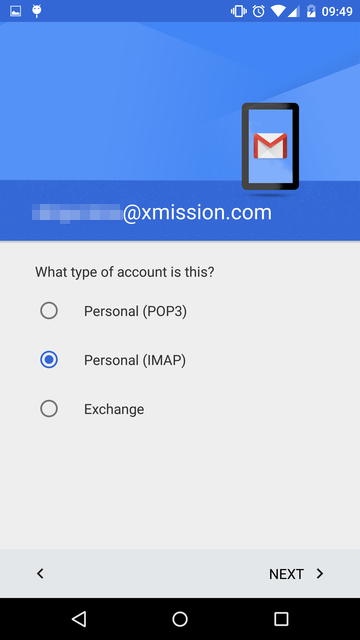
48 KB | Atoponce (talk | contribs) | Android 5.1 screenshot showing how to setup a personal Zimbra account in the Gmail app. | 1 |
| 14:04, 26 August 2015 | Android-zimbra-5.png (file) |  |
46 KB | Atoponce (talk | contribs) | Android 5.1 screenshot showing how to enable IMAP for Zimbra retrieval in the Gmail app. | 1 |
| 14:04, 26 August 2015 | Android-zimbra-6.png (file) |  |
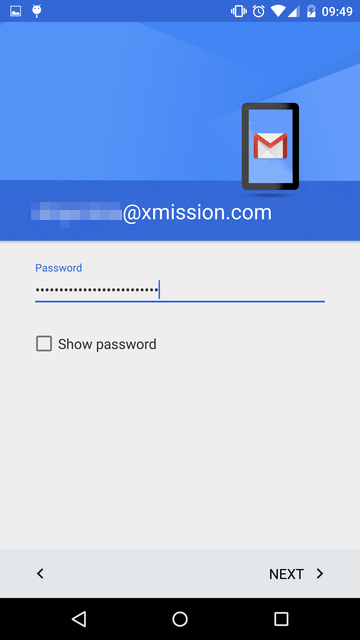
38 KB | Atoponce (talk | contribs) | Android 5.1 screenshot showing how to enter your XMission account password in the Gmail app. | 1 |
| 14:04, 26 August 2015 | Android-zimbra-7.png (file) |  |
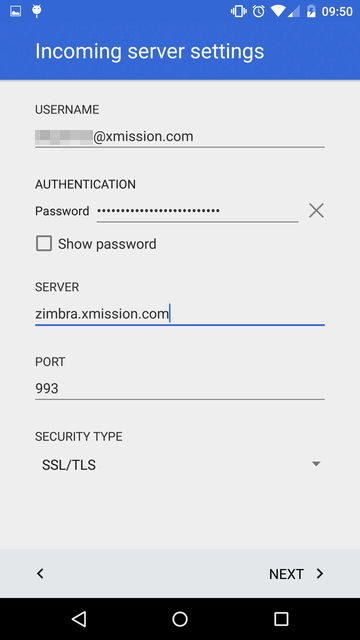
38 KB | Atoponce (talk | contribs) | Android 5.1 screenshot showing how to configure XMission Zimbra IMAP in the Gmail app. | 1 |
| 14:05, 26 August 2015 | Android-zimbra-8.png (file) |  |
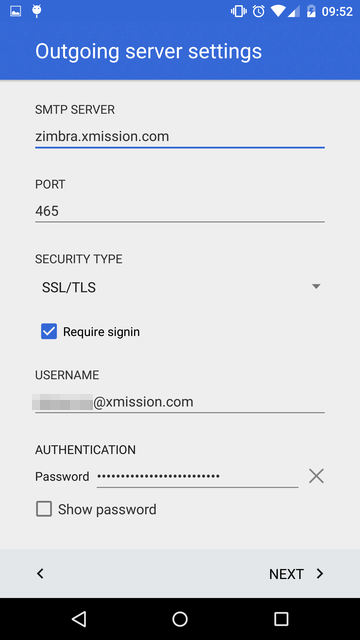
41 KB | Atoponce (talk | contribs) | Android 5.1 screenshot showing how to configure XMission Zimbra SMTP in the Gmail app. | 1 |
| 14:05, 26 August 2015 | Android-zimbra-9.png (file) |  |
53 KB | Atoponce (talk | contribs) | Android 5.1 screenshot showing how to sync and notifications in the Gmail app. | 1 |
| 14:06, 26 August 2015 | Android-zimbra-10.png (file) |  |
49 KB | Atoponce (talk | contribs) | Android 5.1 screenshot showing how to give the new account a meaningful name in the Gmail app. | 1 |
| 13:35, 29 December 2015 | MacMail 9x1.jpg (file) |  |
28 KB | Boom (talk | contribs) | 1 | |
| 13:35, 29 December 2015 | MacMail 9x2.jpg (file) |  |
40 KB | Boom (talk | contribs) | 1 | |
| 13:35, 29 December 2015 | MacMail 9x3.jpg (file) |  |
90 KB | Boom (talk | contribs) | 1 | |
| 13:35, 29 December 2015 | MacMail 9x4.jpg (file) |  |
84 KB | Boom (talk | contribs) | 1 | |
| 13:35, 29 December 2015 | MacMail 9x5.jpg (file) |  |
93 KB | Boom (talk | contribs) | 1 | |
| 13:39, 29 December 2015 | MacMail 9x0.jpg (file) |  |
10 KB | Boom (talk | contribs) | 1 | |
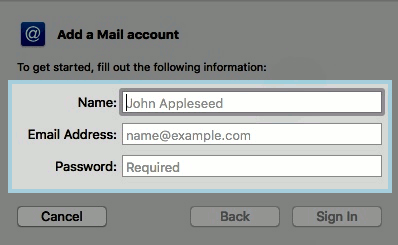
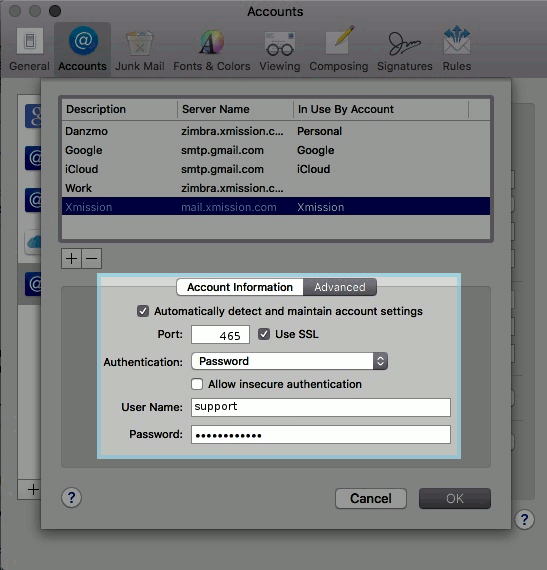
| 13:49, 29 December 2015 | MacMail 9x1.png (file) |  |
16 KB | Boom (talk | contribs) | 1 | |
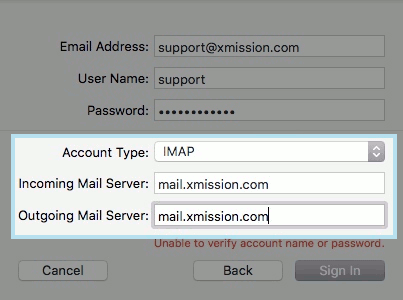
| 14:11, 29 December 2015 | MacMail 9x2.png (file) |  |
23 KB | Boom (talk | contribs) | 1 | |
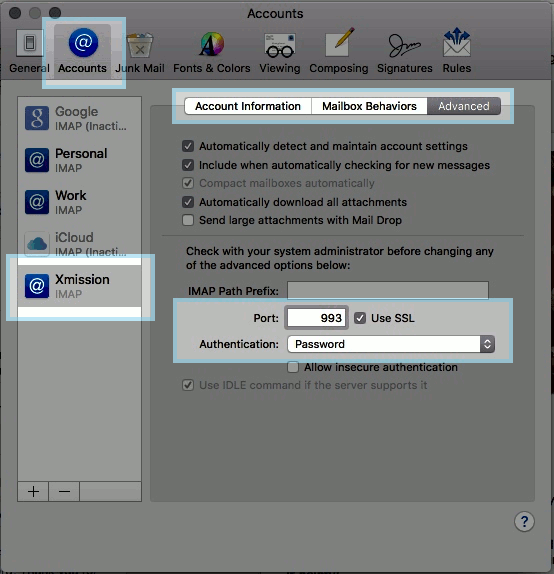
| 14:11, 29 December 2015 | MacMail 9x3.png (file) |  |
53 KB | Boom (talk | contribs) | 1 | |
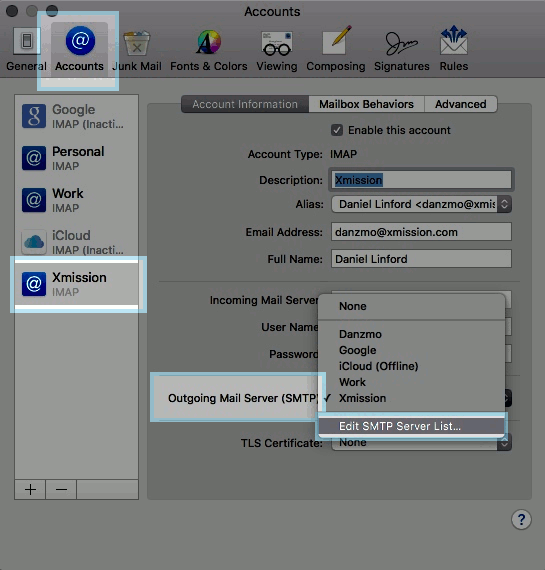
| 14:11, 29 December 2015 | MacMail 9x4.png (file) |  |
48 KB | Boom (talk | contribs) | 1 | |
| 14:29, 29 December 2015 | MacMail 9x5.png (file) |  |
50 KB | Boom (talk | contribs) | 2 | |
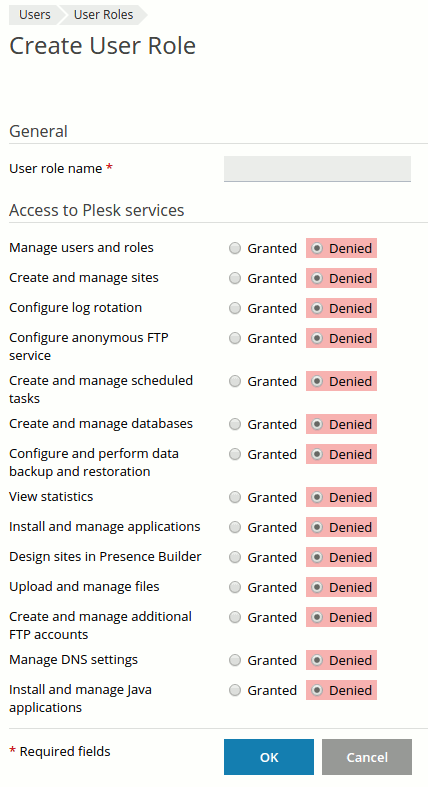
| 09:14, 16 March 2016 | Plesk user roles3.png (file) |  |
16 KB | Boom (talk | contribs) | 3 | |
| 09:50, 16 March 2016 | Mysql1.png (file) |  |
4 KB | Boom (talk | contribs) | 3 | |
| 09:52, 16 March 2016 | Mysql2.png (file) |  |
6 KB | Boom (talk | contribs) | 3 | |
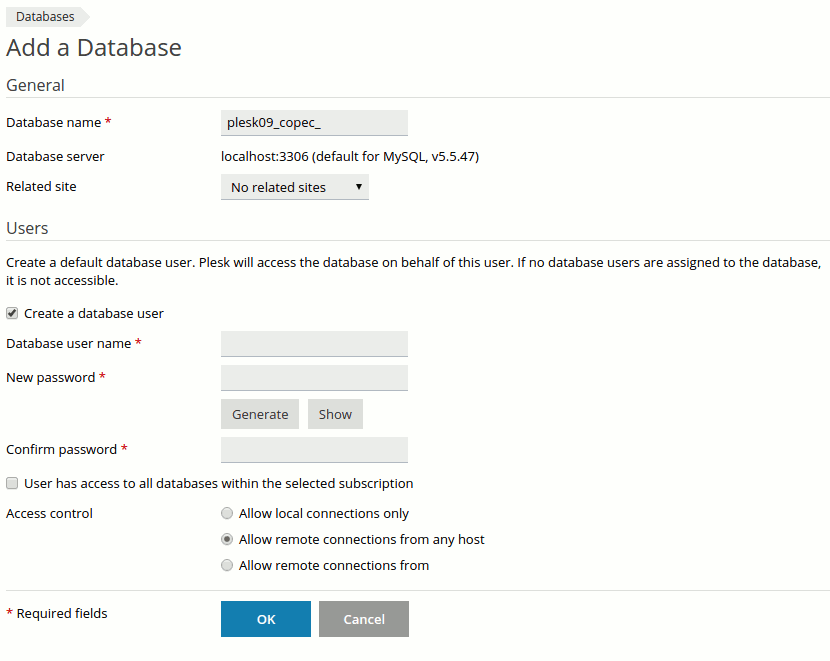
| 09:54, 16 March 2016 | Mysql3.png (file) |  |
19 KB | Boom (talk | contribs) | 3 | |
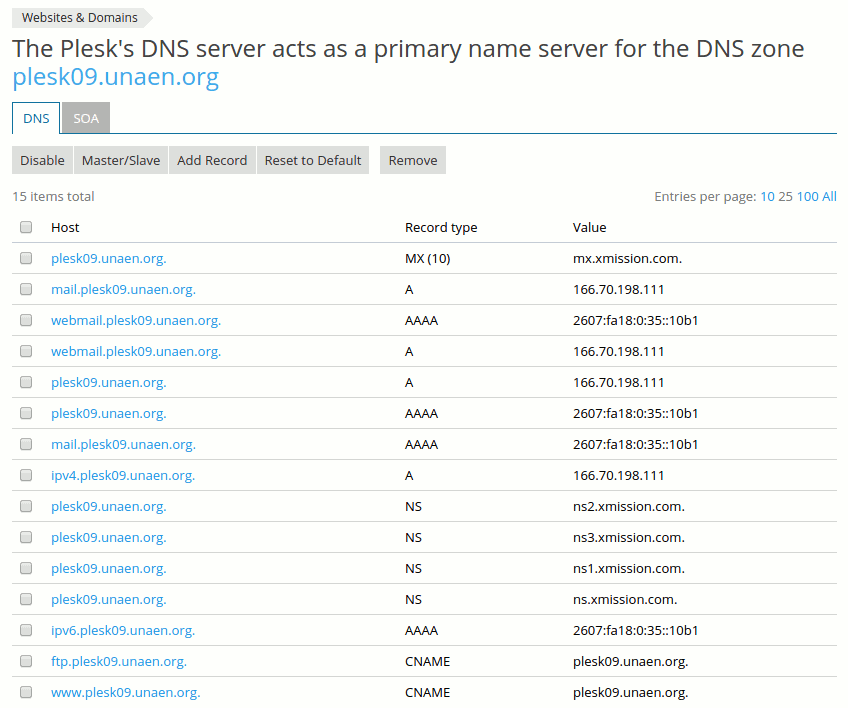
| 10:08, 16 March 2016 | Plesk dns2.png (file) |  |
26 KB | Boom (talk | contribs) | 3 | |
| 10:10, 16 March 2016 | Domainadd.png (file) |  |
2 KB | Boom (talk | contribs) | 3 | |
| 10:14, 16 March 2016 | Screen Shot 2014-09-25 at 2.39.28 PM.png (file) |  |
17 KB | Boom (talk | contribs) | 2 | |
| 10:15, 16 March 2016 | 01-addsub.png (file) |  |
2 KB | Boom (talk | contribs) | 3 | |
| 10:32, 16 March 2016 | 1adddomainalias.png (file) |  |
2 KB | Boom (talk | contribs) | 3 | |
| 10:49, 16 March 2016 | 1backupplesk.png (file) |  |
5 KB | Boom (talk | contribs) | 3 | |
| 11:04, 16 March 2016 | 2backupplesk.png (file) |  |
4 KB | Boom (talk | contribs) | 4 | |
| 11:05, 16 March 2016 | 3backupplesk.png (file) |  |
21 KB | Boom (talk | contribs) | 3 |