Netscape 6 Setup: Difference between revisions
Jump to navigation
Jump to search
No edit summary |
m Removed protection from "Netscape 6 Setup" |
(No difference)
| |
Revision as of 11:53, 13 December 2012
- Open Netscape.
- Click and select .
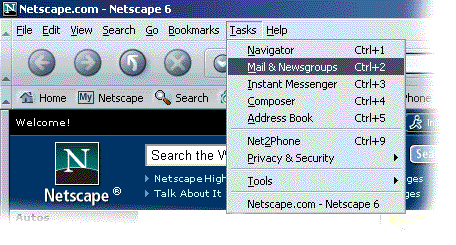
- Click and select .
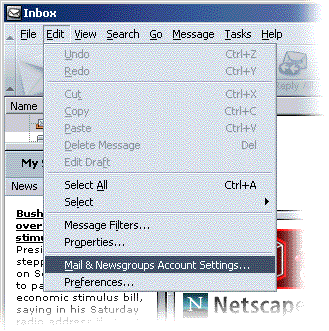
- Click .
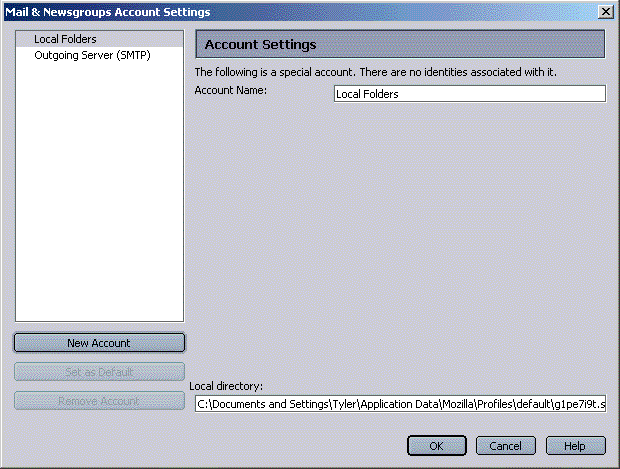
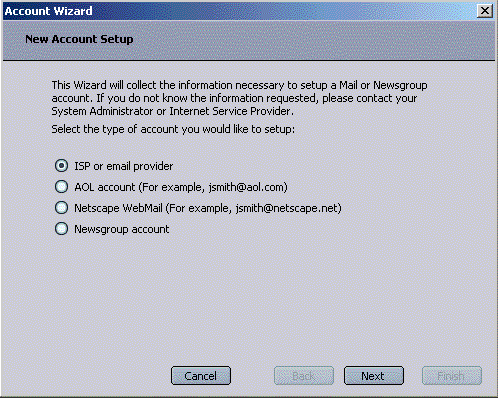
- Select .
- Click .
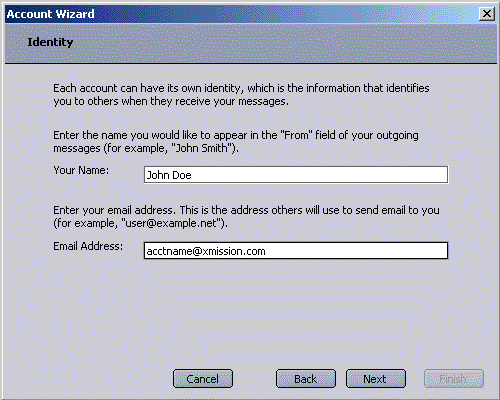
- In the field labeled , enter the name you would like to appear on outgoing email messages.
- In the field labeled , enter your XMission email address.
- Click .
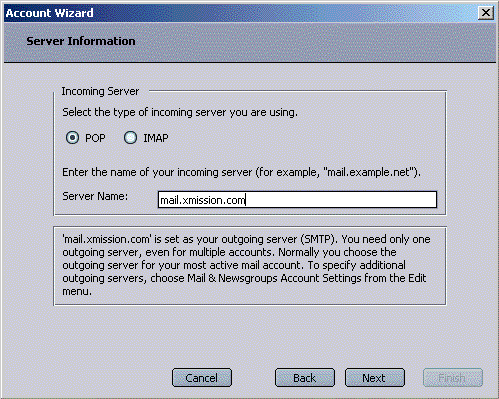
- Under , select .
- In the field labeled , enter mail.xmission.com.
- Click .
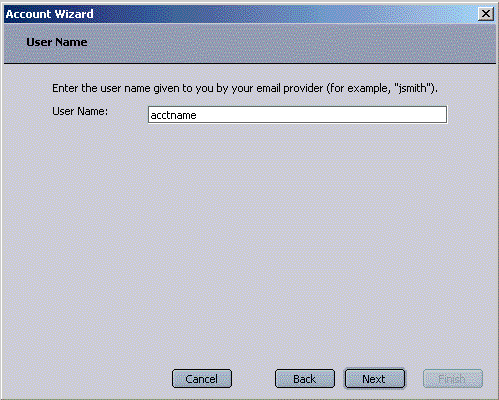
- In the space provided, enter your XMission username.
- Click .
- Click again.
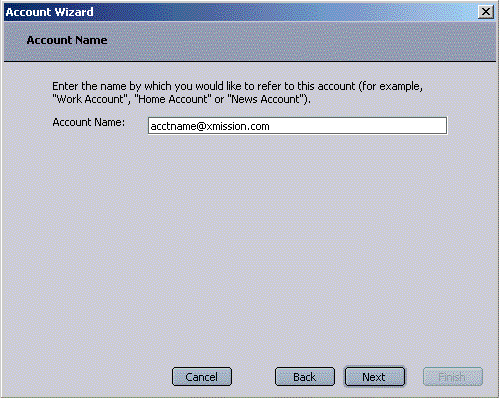
- Verify all the settings and click .
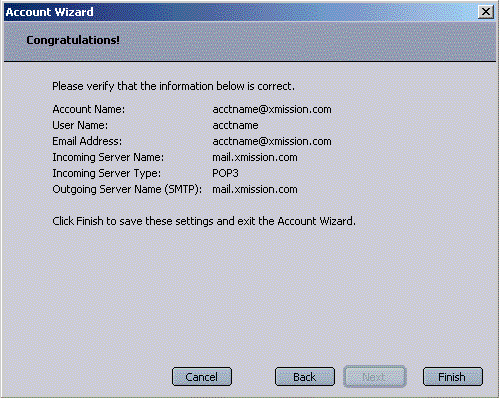
- Click .


Congratulations! You should now see your Inbox. You're ready to start sending and receiving email.