File list
Jump to navigation
Jump to search
This special page shows all uploaded files.


| Date | Name | Thumbnail | Size | User | Description | Versions |
|---|---|---|---|---|---|---|
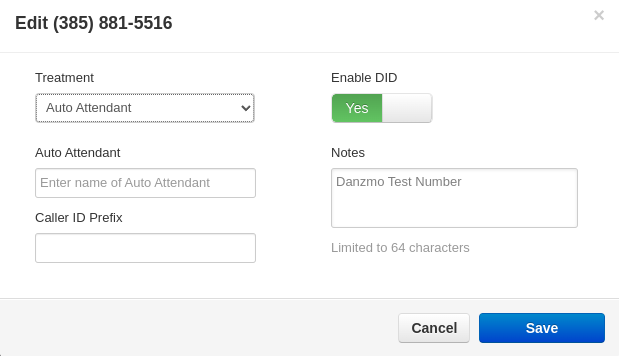
| 14:22, 2 June 2022 | Treatment.png (file) |  |
22 KB | Regnistel (talk | contribs) | 1 | |
| 14:20, 2 June 2022 | Edit.png (file) |  |
5 KB | Regnistel (talk | contribs) | 1 | |
| 14:18, 2 June 2022 | Inventory.png (file) |  |
22 KB | Regnistel (talk | contribs) | 1 | |
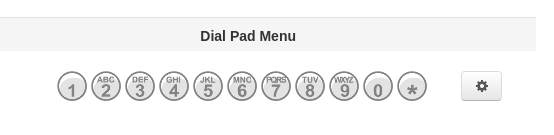
| 15:31, 1 June 2022 | Dialpadmenu.png (file) |  |
10 KB | Regnistel (talk | contribs) | 1 | |
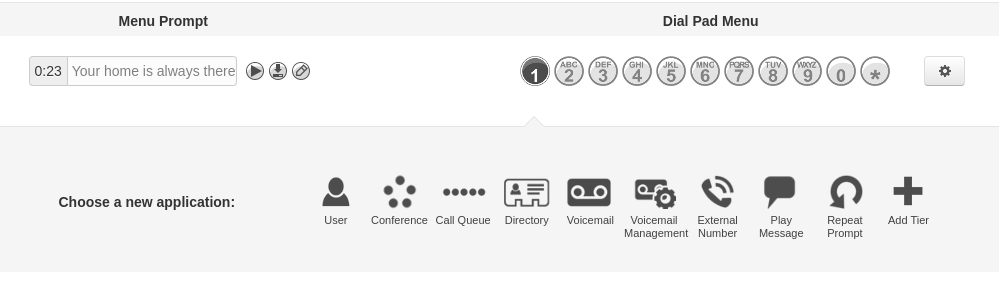
| 14:58, 1 June 2022 | Menudialbutton.png (file) |  |
38 KB | Regnistel (talk | contribs) | 1 | |
| 14:52, 1 June 2022 | Attendant.png (file) |  |
18 KB | Regnistel (talk | contribs) | 1 | |
| 14:50, 1 June 2022 | Addconference.png (file) |  |
19 KB | Regnistel (talk | contribs) | 1 | |
| 14:50, 1 June 2022 | Conference.png (file) |  |
24 KB | Regnistel (talk | contribs) | 1 | |
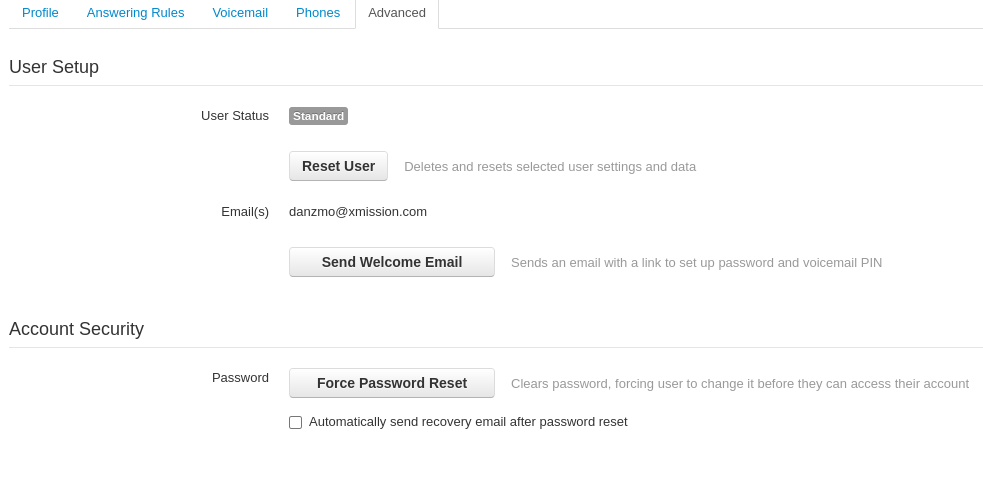
| 14:49, 1 June 2022 | Advanced.png (file) |  |
41 KB | Regnistel (talk | contribs) | 1 | |
| 14:43, 1 June 2022 | UploadPhone.png (file) |  |
12 KB | Regnistel (talk | contribs) | 1 | |
| 14:35, 1 June 2022 | Requiredfield.png (file) |  |
48 KB | Regnistel (talk | contribs) | 1 | |
| 14:34, 1 June 2022 | Answering rules.png (file) |  |
11 KB | Regnistel (talk | contribs) | 1 | |
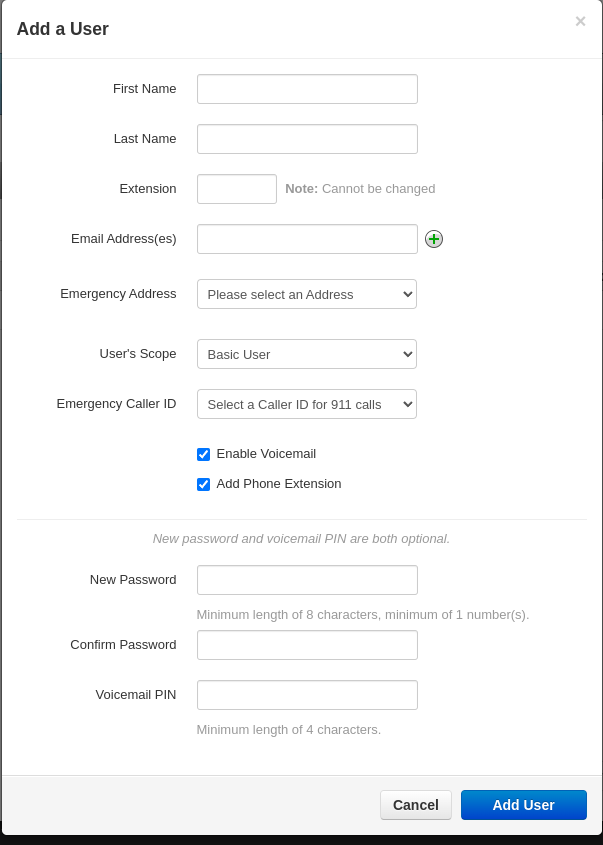
| 14:26, 1 June 2022 | AddUsers.png (file) |  |
22 KB | Regnistel (talk | contribs) | 1 | |
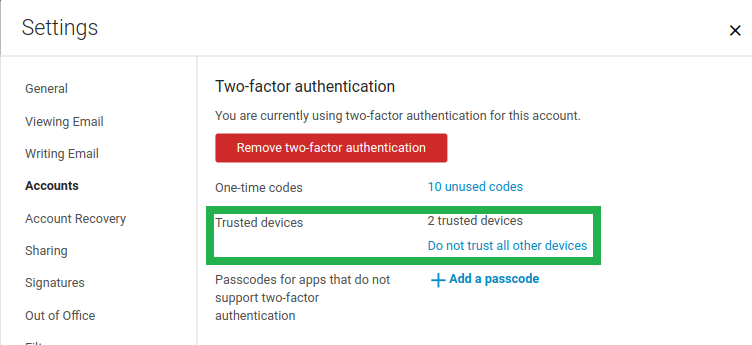
| 16:51, 5 May 2022 | TrustedDevices.png (file) |  |
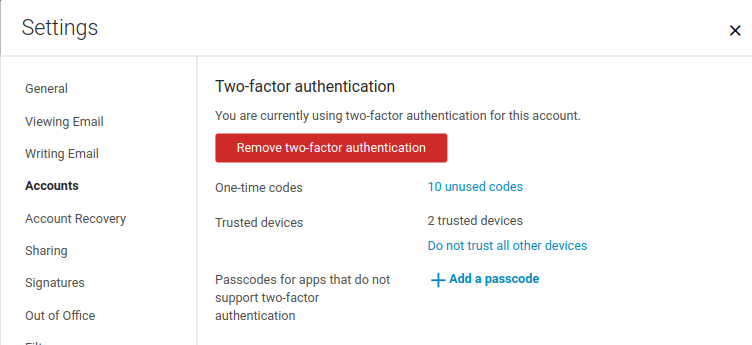
42 KB | Benjii (talk | contribs) | Trust devices can be reviewed and have their trust revoked in this section of the Zimbra Modern interface's settings. | 1 |
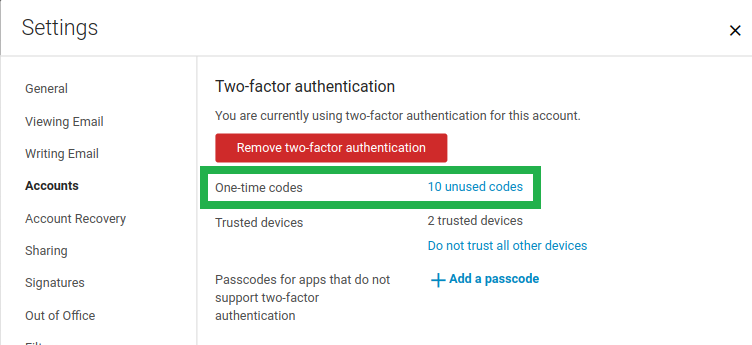
| 16:50, 5 May 2022 | OneTimePasscode.png (file) |  |
42 KB | Benjii (talk | contribs) | Locating the one time codes in the Zimbra Modern interface. | 1 |
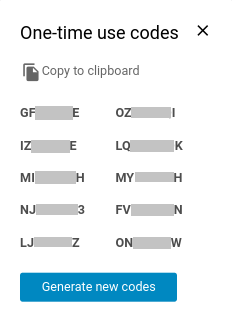
| 16:50, 5 May 2022 | OneTimeCodes.png (file) |  |
12 KB | Benjii (talk | contribs) | The 2FA settings on the Modern interface will allow the user of one time passcodes that are presented in this format. | 1 |
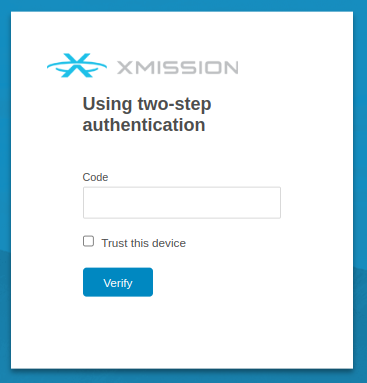
| 16:49, 5 May 2022 | HowToTrust.png (file) |  |
23 KB | Benjii (talk | contribs) | When logging in to the website, it will ask for a code from the authentication app. | 1 |
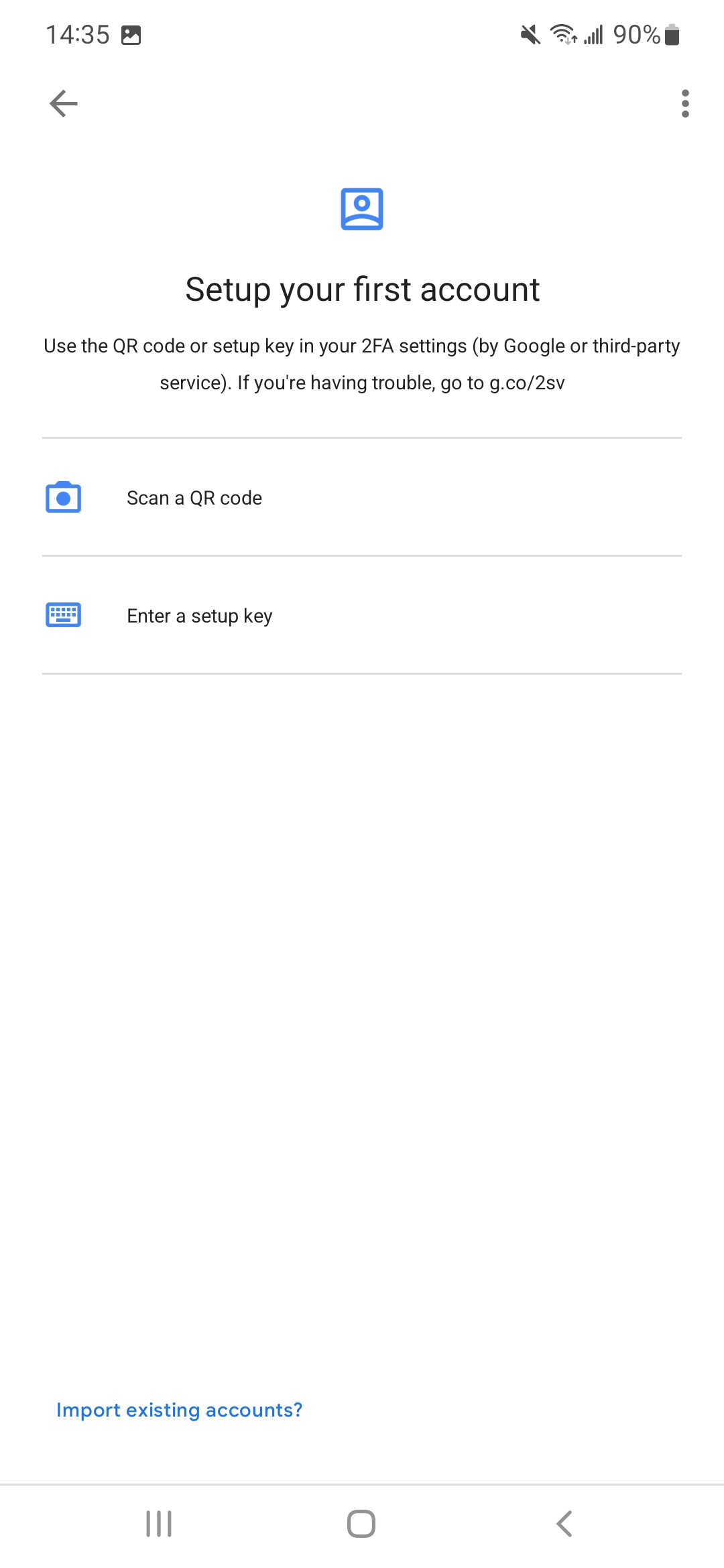
| 16:48, 5 May 2022 | GoogleAuth-02.jpg (file) |  |
135 KB | Benjii (talk | contribs) | The Google Authenticator app will prompt to either put in the key or to scan the QR code. | 1 |
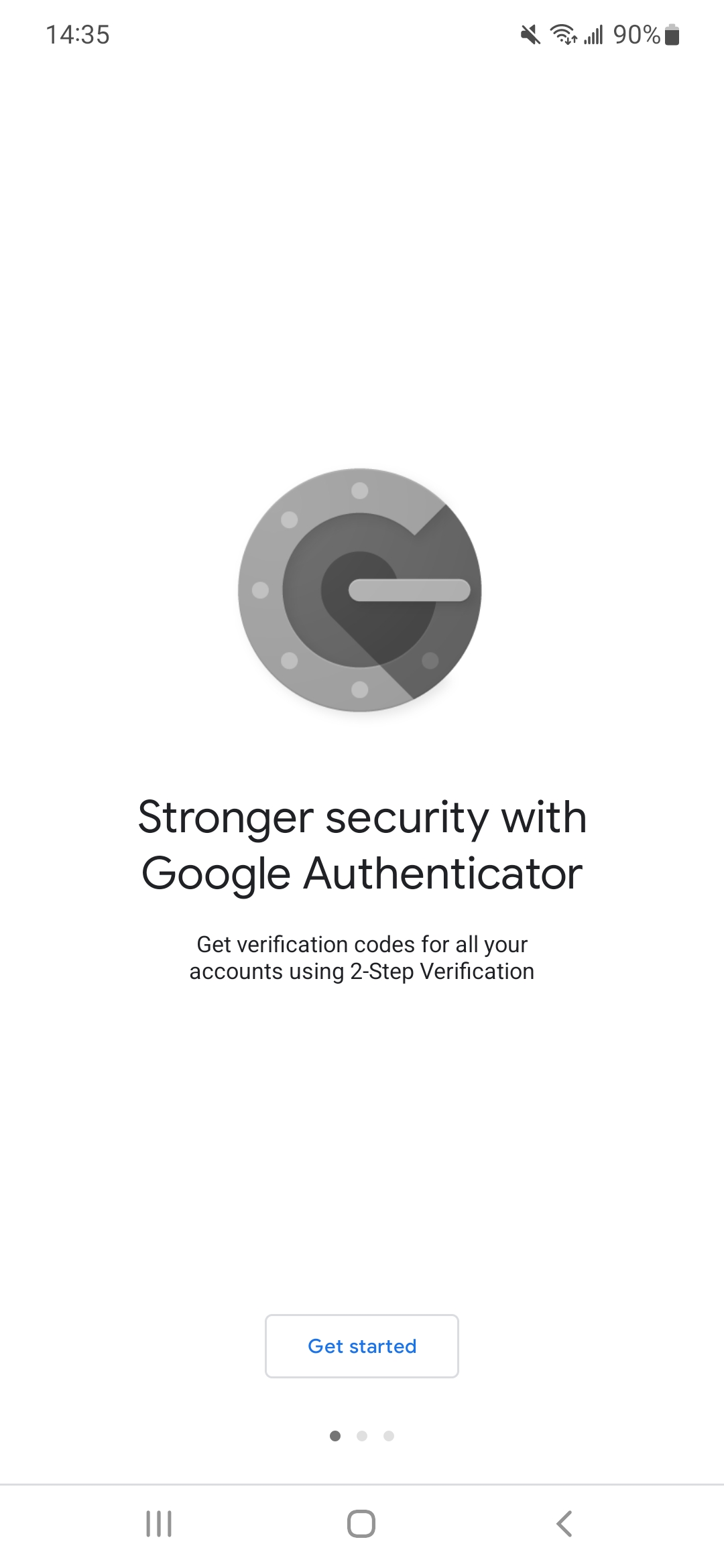
| 16:45, 5 May 2022 | GoogleAuth-01.jpg (file) |  |
147 KB | Benjii (talk | contribs) | Brand new google authentication app page to begin the setup process. | 1 |
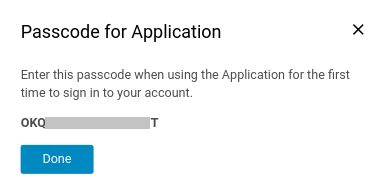
| 16:43, 5 May 2022 | AppPasscode-03-PasscodeForApp.png (file) |  |
11 KB | Benjii (talk | contribs) | The screen will provide a passcode to use in place of the normal mailbox's password when connecting it to the protected mailbox. | 1 |
| 16:41, 5 May 2022 | AppPasscode-02-AddPasscode.png (file) |  |
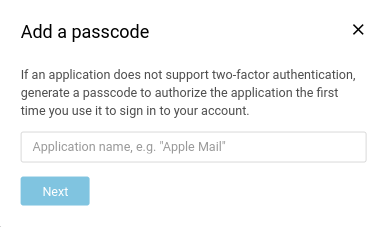
14 KB | Benjii (talk | contribs) | When generating the passcode for a particular application, you will want to provide it a descriptive name for easy review. | 1 |
| 16:40, 5 May 2022 | AppPasscode-01-AddingPasscode.png (file) |  |
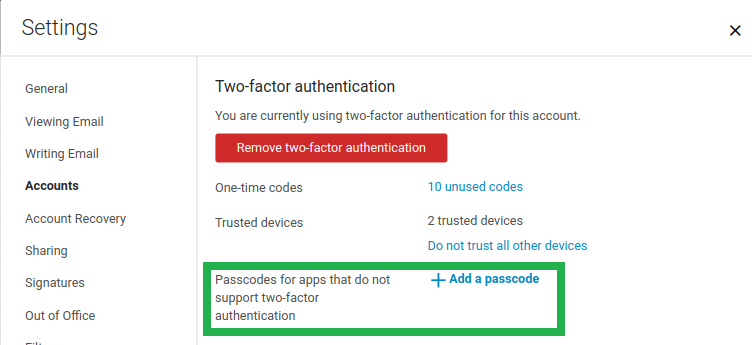
42 KB | Benjii (talk | contribs) | To generate an application specfic passcode, the settings page will provide an option here. | 1 |
| 16:37, 5 May 2022 | 2FA-06-Setup-Successful.png (file) |  |
37 KB | Benjii (talk | contribs) | After successfully verifying you will be presented with a completion screen looking like this. | 1 |
| 16:36, 5 May 2022 | 2FA-05-Setup-EnterAuthCode.png (file) |  |
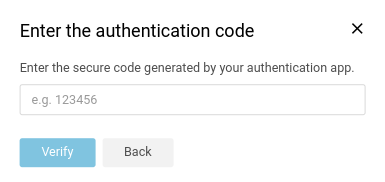
11 KB | Benjii (talk | contribs) | To confirm the authentication app is successfully connected, enter the code generated by the app. | 1 |
| 16:35, 5 May 2022 | 2FA-04-ConnectQR.png (file) |  |
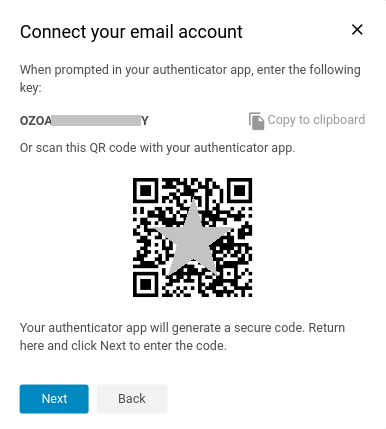
26 KB | Benjii (talk | contribs) | Authentication app can be connected to the 2FA service by entering a key or easily scanning a QR code. | 1 |
| 14:56, 5 May 2022 | 2FA-03-Setup-InstallAuthApp.png (file) |  |
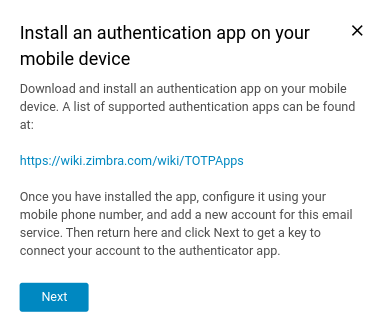
26 KB | Benjii (talk | contribs) | Prompt to install an authentication app to use in conjunction with Zimbra's 2FA service. | 1 |
| 14:55, 5 May 2022 | 2FA-02-Setup-PassConfirmation.png (file) |  |
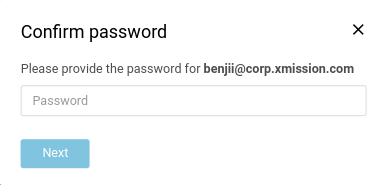
11 KB | Benjii (talk | contribs) | Password prompt that occurs after initiating the 2FA setup. | 1 |
| 14:54, 5 May 2022 | 2FA-01-Setup.png (file) |  |
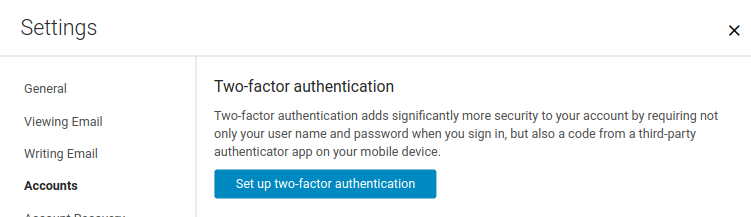
27 KB | Benjii (talk | contribs) | Using the Zimbra Modern interface the window to setup Two-Factor authentication looks like this. | 1 |
| 12:32, 19 November 2021 | Outlook2016-edit-5.png (file) |  |
33 KB | Jab (talk | contribs) | 1 | |
| 12:31, 19 November 2021 | Outlook2016-edit-4.png (file) |  |
28 KB | Jab (talk | contribs) | 1 | |
| 12:30, 19 November 2021 | Outlook2016-edit-3.png (file) |  |
21 KB | Jab (talk | contribs) | 1 | |
| 12:29, 19 November 2021 | Outlook2016-edit-2.png (file) |  |
57 KB | Jab (talk | contribs) | 1 | |
| 12:28, 19 November 2021 | Outlook2016-edit-1.png (file) |  |
37 KB | Jab (talk | contribs) | 1 | |
| 11:51, 19 November 2021 | Outlook2016-5.png (file) |  |
14 KB | Jab (talk | contribs) | 1 | |
| 11:50, 19 November 2021 | Outlook2016-4.png (file) |  |
32 KB | Jab (talk | contribs) | 1 | |
| 11:48, 19 November 2021 | Outlook2016-3.png (file) |  |
20 KB | Jab (talk | contribs) | 1 | |
| 11:47, 19 November 2021 | Outlook2016-2.png (file) |  |
21 KB | Jab (talk | contribs) | 1 | |
| 11:45, 19 November 2021 | Outlook2016-1.png (file) |  |
38 KB | Jab (talk | contribs) | 1 | |
| 11:44, 19 November 2021 | Outlook2016-0.png (file) |  |
21 KB | Jab (talk | contribs) | 1 | |
| 15:53, 12 October 2021 | Zimbrapwrecov8.png (file) |  |
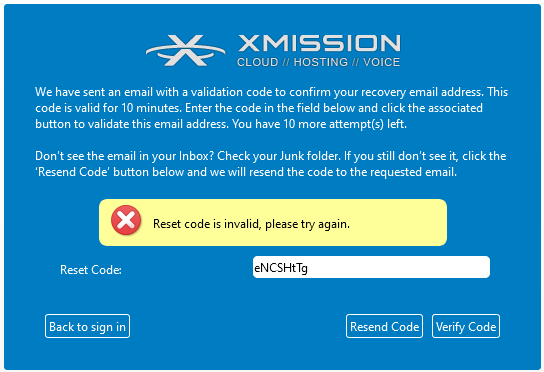
21 KB | John (talk | contribs) | Zimbra Account Recovery - Forgot Password - Verification Code incorrect | 1 |
| 15:53, 12 October 2021 | Zimbrapwrecov7.png (file) |  |
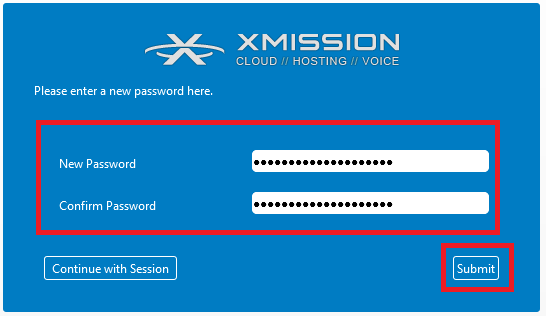
12 KB | John (talk | contribs) | Zimbra Account Recovery - Forgot Password - Confirm reset password REMEMBER to update your new password in all applications and devices. | 1 |
| 15:52, 12 October 2021 | Zimbrapwrecov6.png (file) |  |
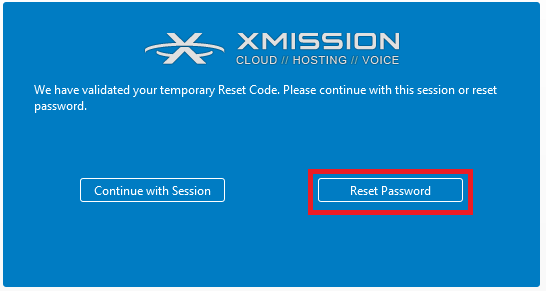
12 KB | John (talk | contribs) | Zimbra Account Recovery - Forgot Password - Reset Password button | 1 |
| 15:51, 12 October 2021 | Zimbrapwrecov5.png (file) |  |
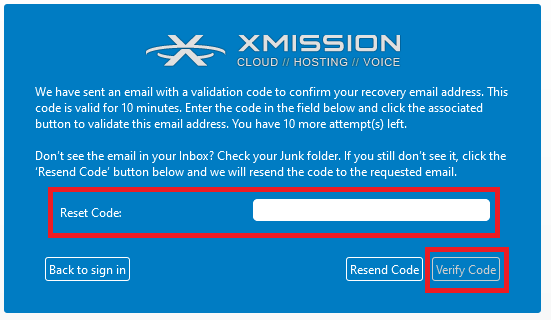
21 KB | John (talk | contribs) | Zimbra Account Recovery - Forgot Password - Verify Code | 1 |
| 15:51, 12 October 2021 | Zimbrapwrecov4.png (file) |  |
7 KB | John (talk | contribs) | Zimbra Account Recovery - Forgot Password - Recovery address verification code. | 1 |
| 15:50, 12 October 2021 | Zimbrapwrecov3.png (file) |  |
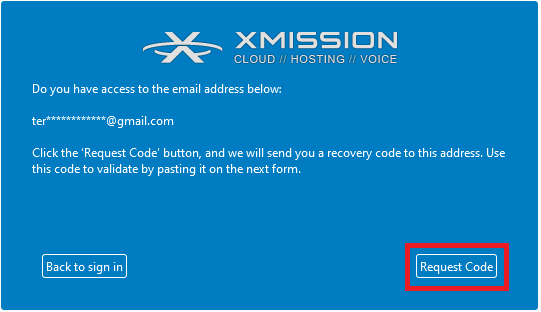
16 KB | John (talk | contribs) | Zimbra Account Recovery - Password reset - Request Code | 1 |
| 15:49, 12 October 2021 | Zimbrapwrecov2.png (file) |  |
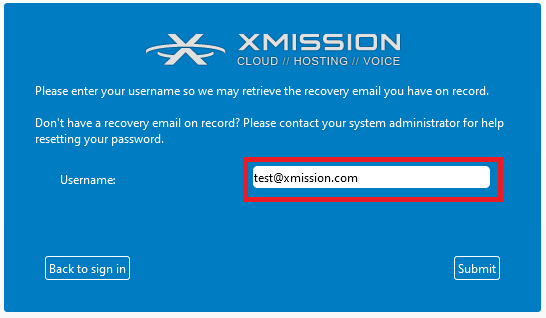
14 KB | John (talk | contribs) | Zimbra Account Recovery - Forgot Password - enter username | 1 |
| 15:48, 12 October 2021 | Zimbrapwrecov1.png (file) |  |
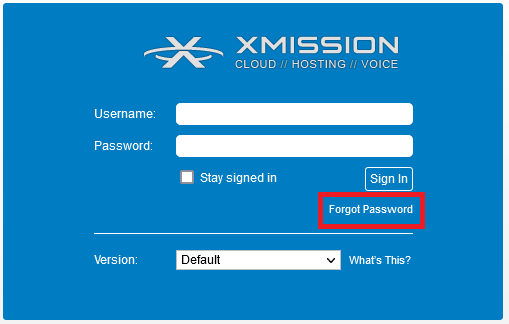
12 KB | John (talk | contribs) | Zimbra Account Recovery using Forgot Password | 1 |
| 20:16, 9 September 2021 | A-ANNEXE-jb page-0001.jpg (file) |  |
1.23 MB | Rmrmd (talk | contribs) | 1 | |
| 15:54, 17 August 2021 | Eero3.png (file) |  |
30 KB | Jab (talk | contribs) | 1 | |
| 15:54, 17 August 2021 | Eero2.png (file) |  |
17 KB | Jab (talk | contribs) | 1 |